Logitech MX Master 4: a desktop-work mouse guide
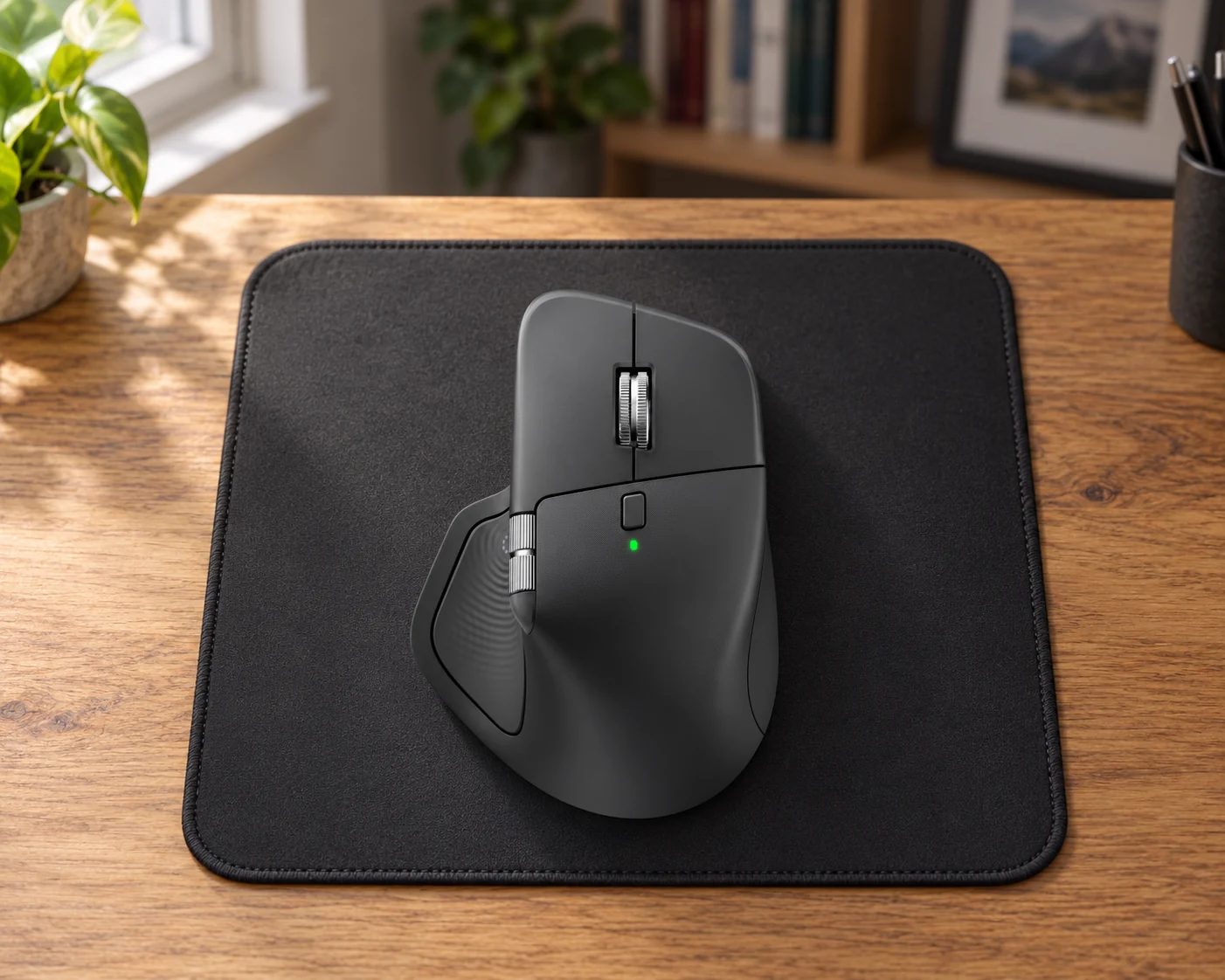
Logitech MX Master 4, Graphite, standard multi-platform version
Check whether software is allowed
Software permission can decide whether the extras are useful. Actions Ring needs Logi Options+, and Logitech also requires it for the back/forward buttons on a Mac. Easy-Switch can pair with three computers, but Flow’s movement and copying between computers require the software on both machines.
The details that matter
The standard MX Master 4 offers several ways to navigate a busy desktop: a main scroll wheel, a thumb wheel and customizable shortcuts. Its haptic panel adds tactile feedback and opens the Actions Ring when the required software is available.
Start with hand fit and whether you can install Logi Options+. Those matter more than the number of shortcuts on the box. The standard, Mac and Business versions should be compared carefully because their included accessories and support terms can differ.
What stands out
- Separate vertical/thumb wheels and customizable shortcuts cover navigation-heavy desktop work.
Where to pause
- Customization depends on software. The low report rate and substantial weight prioritize office use over fast competitive play.
Make the decision
Start with hand fit and permission to install Logi Options+. Extra wheels and shortcuts are useful when they match your desktop work. Compare the standard package with Mac and Business packages rather than assuming the accessories are identical.
Quick answers
Do all features work without software?
No. Actions Ring and advanced customization require Logi Options+.
Can it switch computers?
Yes. Easy-Switch supports pairing with up to three.
Manufacturer references
Product pages, manuals and care guidance from the manufacturer. These links go to the manufacturer, not to an Amazon price or purchase page.
- Logitech US MX Master 4 Graphite SKU page (manufacturer reference, opens a new tab)Manufacturer reference
- Logitech MX Master 4 technical specifications (manufacturer reference, opens a new tab)Manufacturer reference
- Logitech MX Master 4 setup guide (manufacturer reference, opens a new tab)Manufacturer reference
More in Electronics.
USB-C chargers
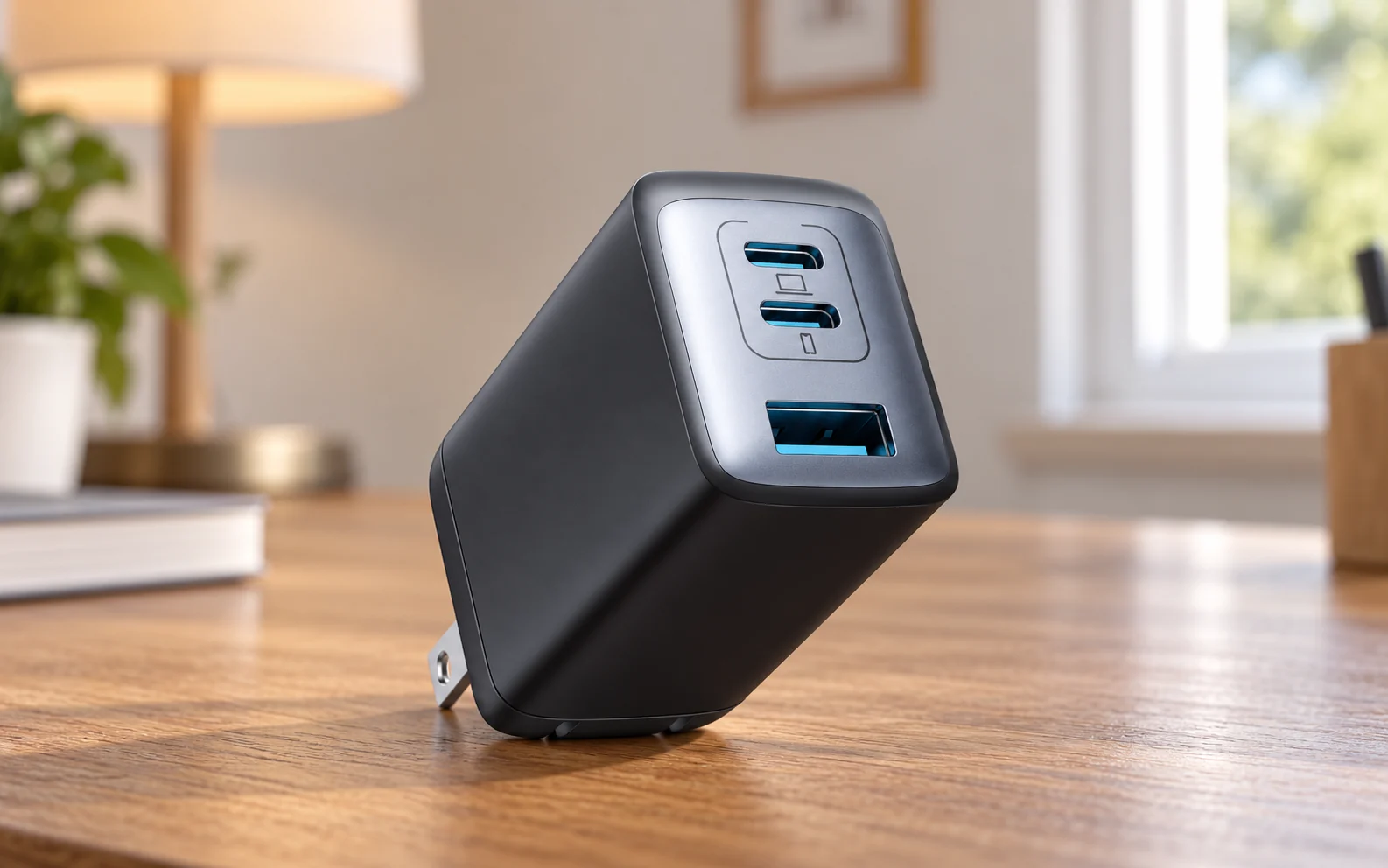
Anker 735 Charger (Nano II 65W), A2667

Wireless earbuds
Sony WF-1000XM6/S, Platinum Silver
Smartphone screen protectors
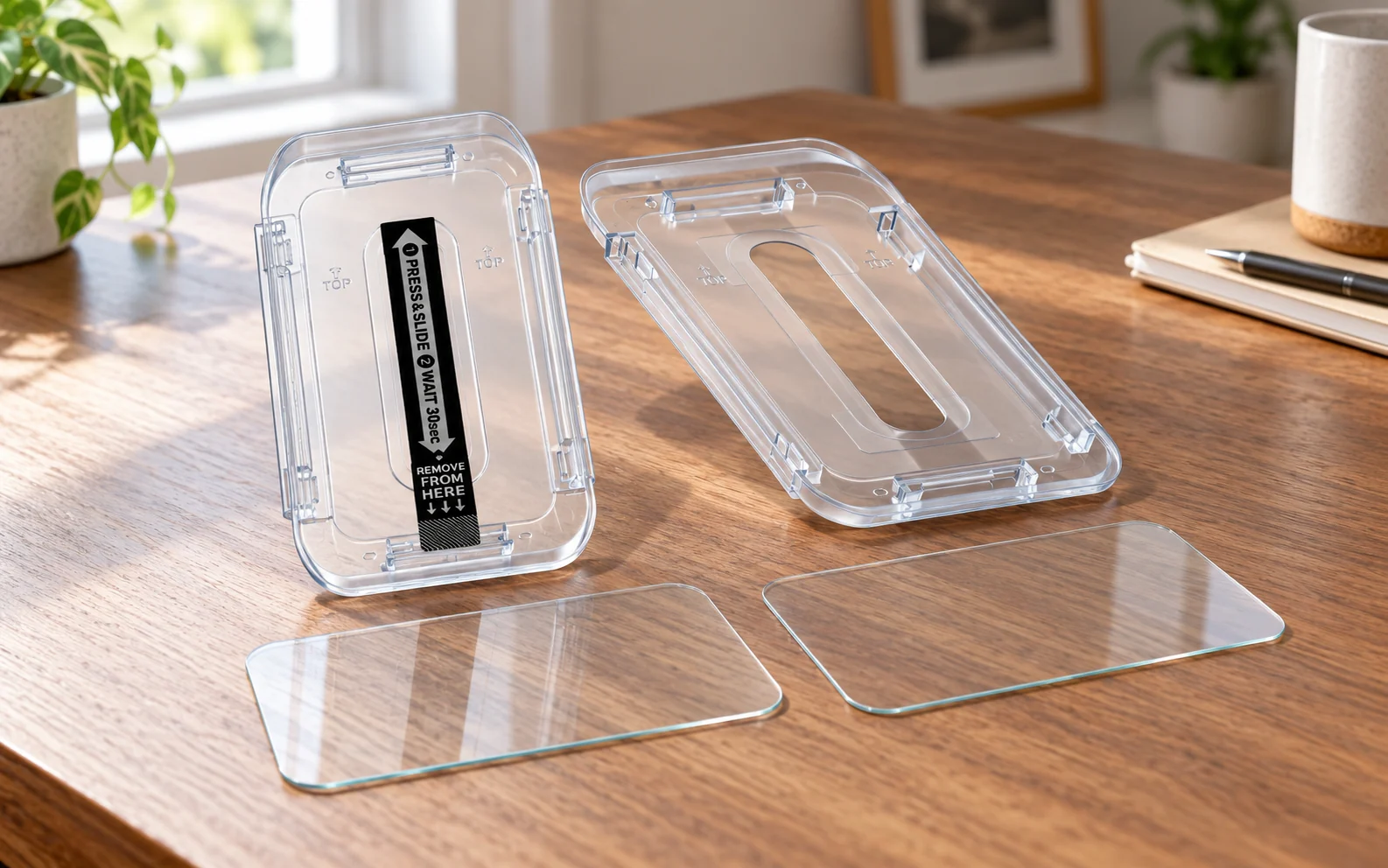
Spigen GLAS.tR EZ Fit Sensor Protected for iPhone 16 Pro, AGL07928
Surge protectors
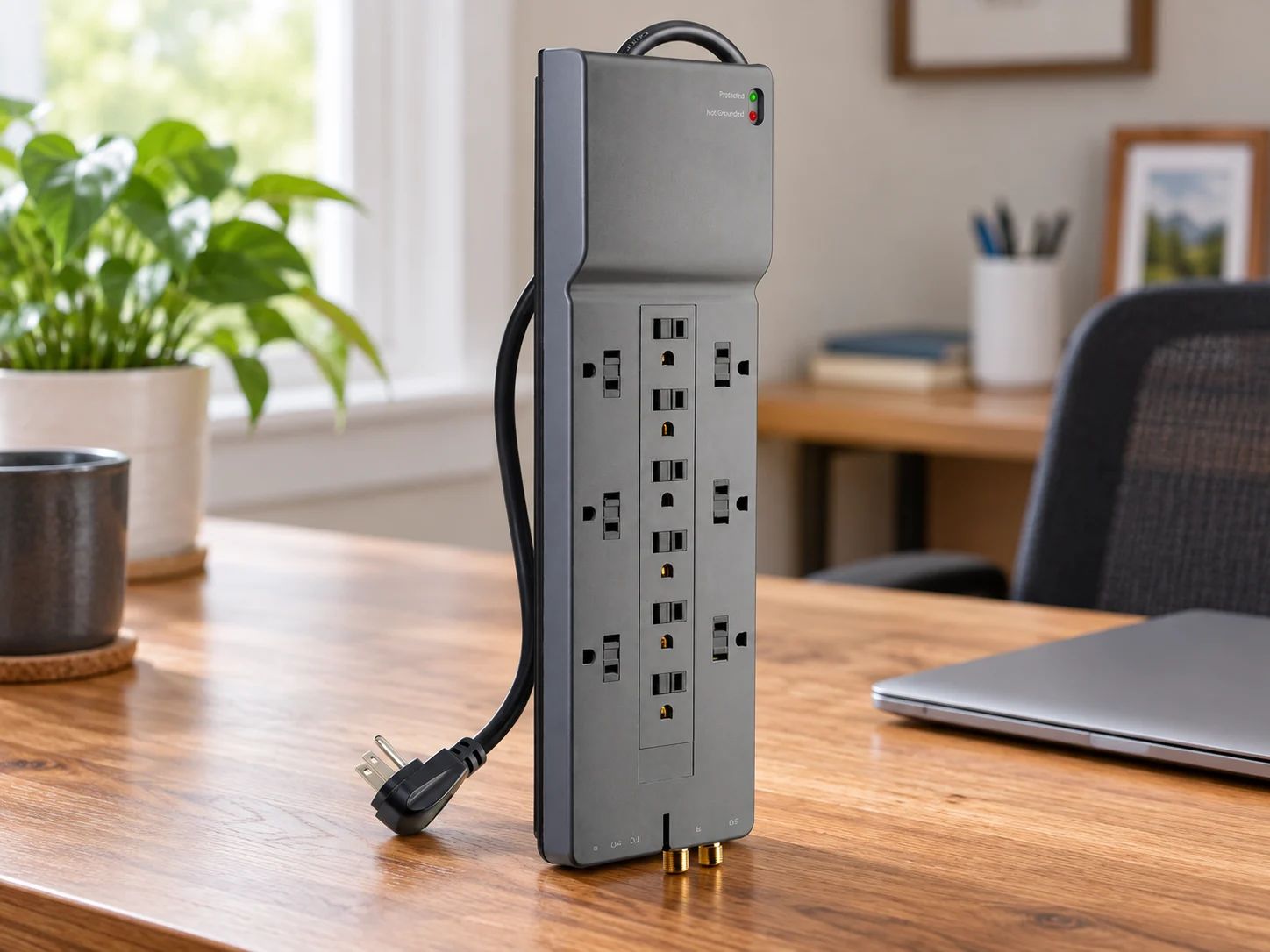
Belkin 12-Outlet Home/Office Surge Protector, BE112230-08