Surge protectors: Belkin BE112230-08 layout guide
Outlet space is useful. Protection claims deserve a separate check.
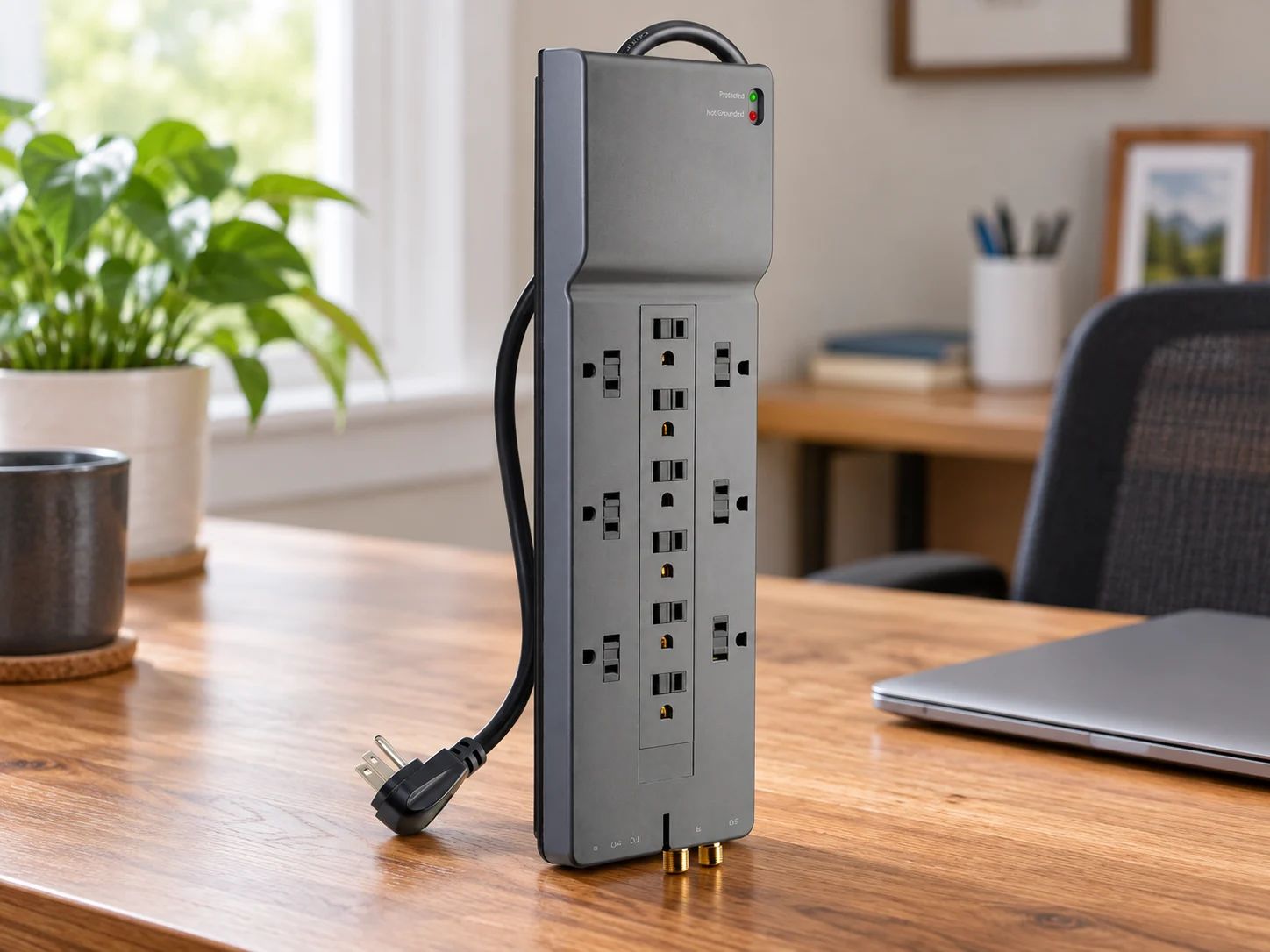
Count adapters, not just plugs
A desk full of power bricks can consume more room than the outlet count suggests. Lay out what you need to connect and check the cable route. Keep the combined electrical load within the protector’s rating and follow its instructions.
The BE112230-08 layout
Belkin lists twelve AC outlets, six spaced for larger adapters, and an eight-foot cord with an angled plug. Its total AC limit is 15 A at 125 V. This is the fixed-outlet BE model, not the PivotPlug BP version.
Two details need attention
Belkin’s page gives conflicting numerical surge ratings, so no joule figure is shown here. Confirm the exact hardware, seller and condition when comparing listings.
What stands out
- Spaced outlets accommodate some larger adapters
- Long cord and angled plug add placement flexibility
- Protection/grounding indicators aid status checks
Where to pause
- The maker’s own numerical surge ratings conflict
- Recheck stock and condition for the exact BE model
Make the decision
Lay out your actual plugs and adapters before counting outlets. Check the route for the eight-foot cord and the total connected load. Match the fixed-outlet BE112230-08 rather than substituting a PivotPlug model with a similar name.
Quick answers
Do its outlets rotate?
This BE model should not be confused with the separate BP PivotPlug model.
Is the power limit per outlet?
No. Treat the listed AC rating as the total for connected loads.
Manufacturer references
Product pages, manuals and care guidance from the manufacturer. These links go to the manufacturer, not to an Amazon price or purchase page.
- Belkin BE112230-08 (manufacturer reference, opens a new tab)Manufacturer reference
- Belkin recall index (manufacturer reference, opens a new tab)Manufacturer reference
More in Electronics.
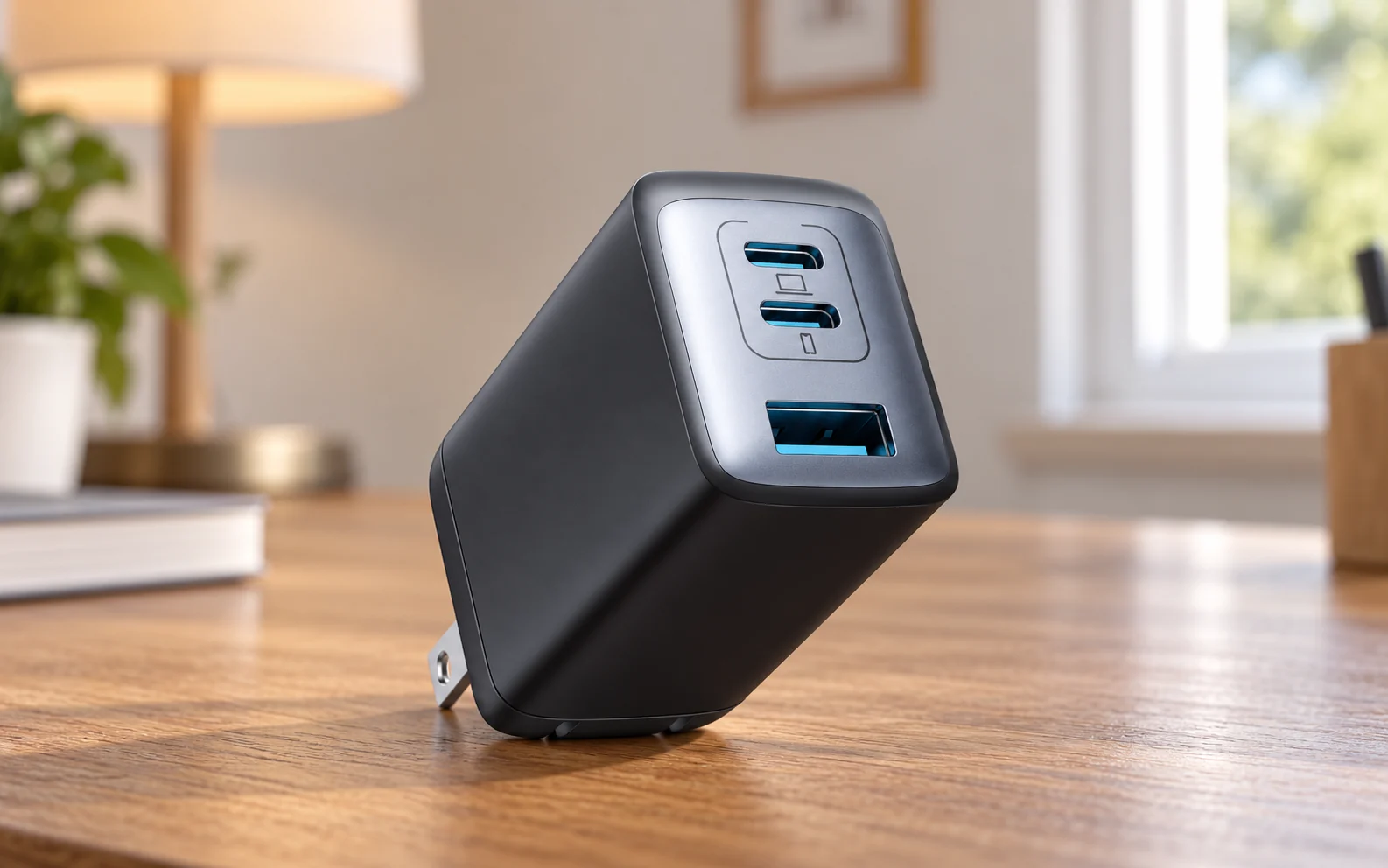
USB-C chargers
Anker 735 Charger (Nano II 65W), A2667
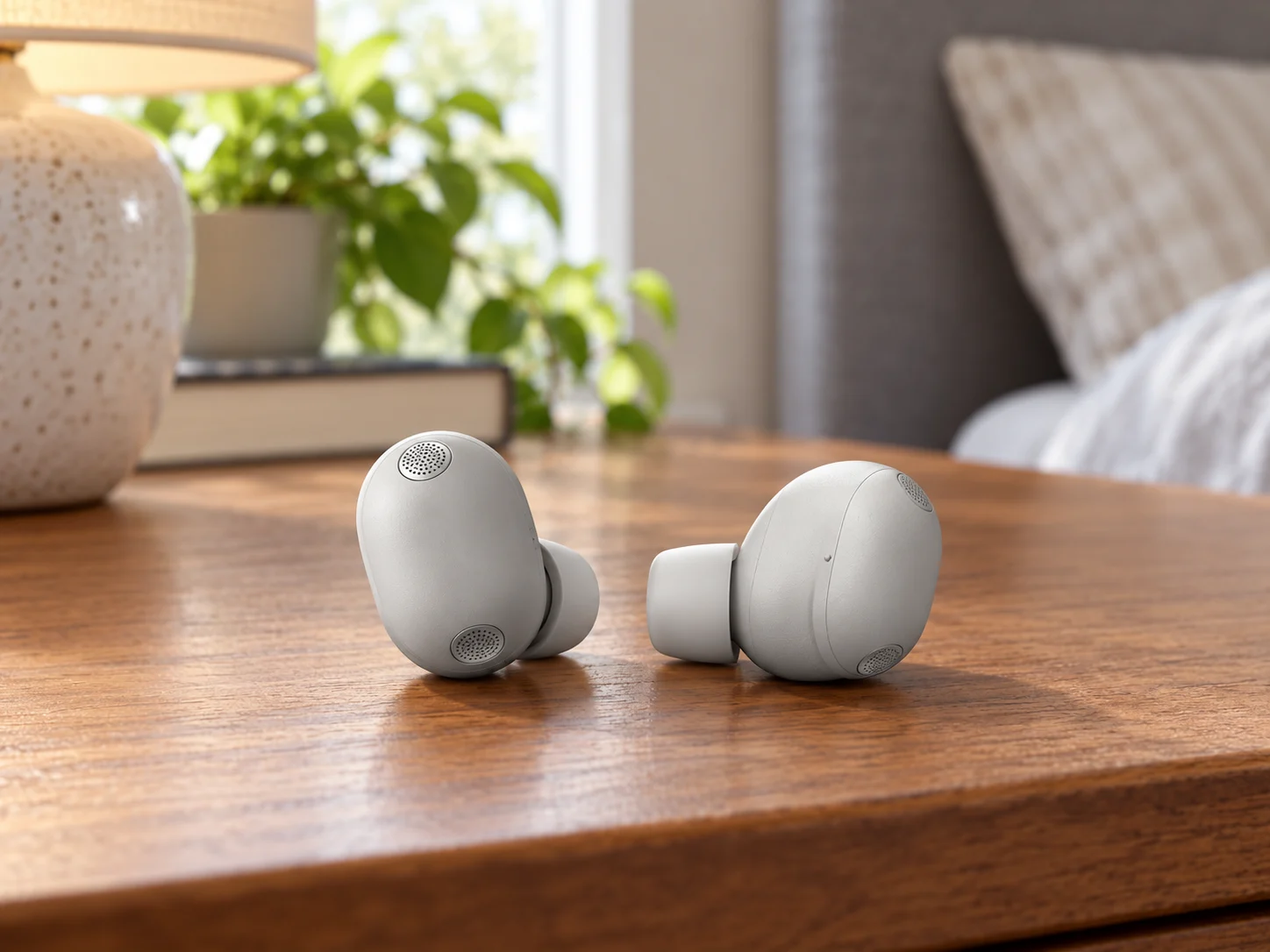
Wireless earbuds
Sony WF-1000XM6/S, Platinum Silver
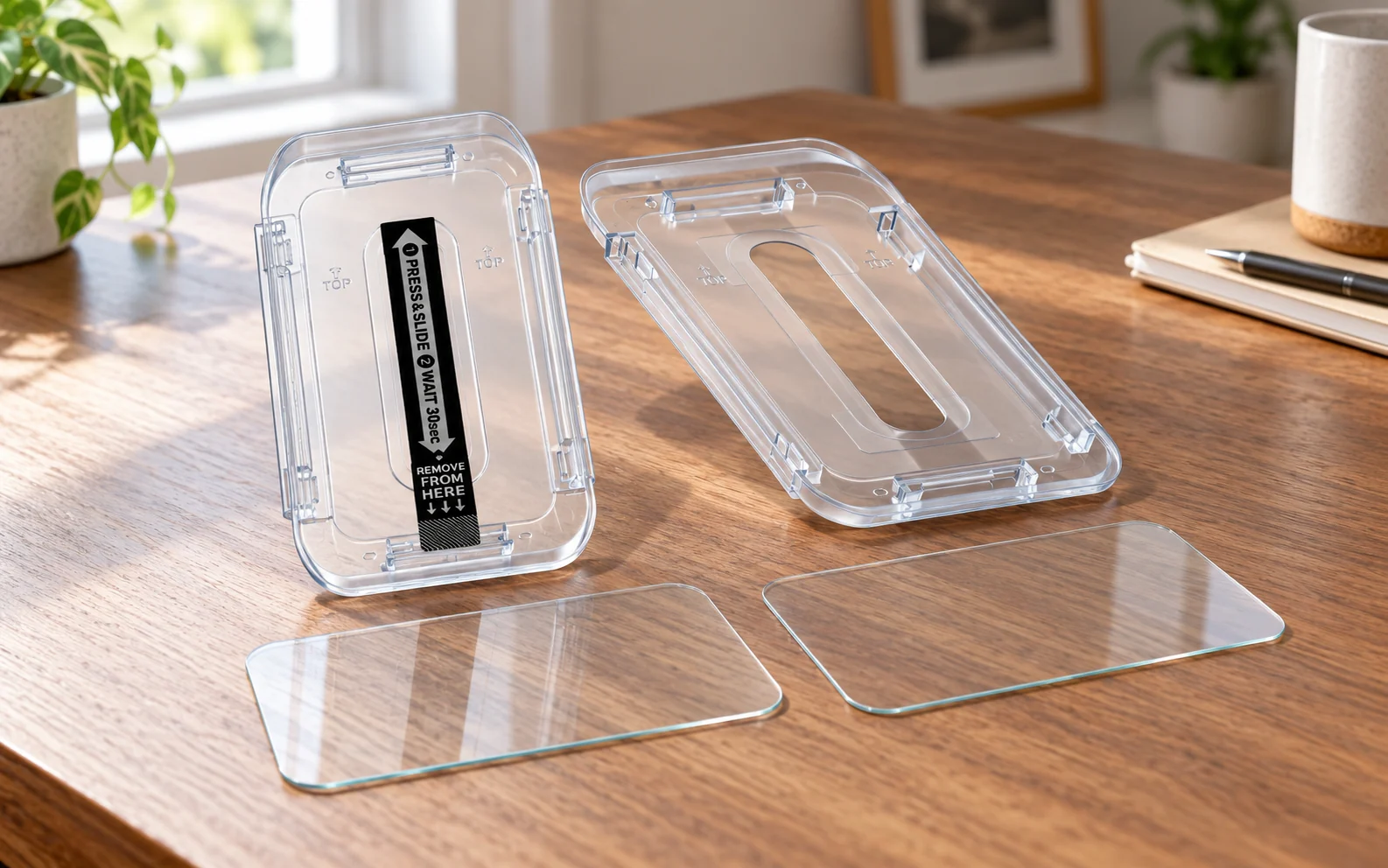
Smartphone screen protectors
Spigen GLAS.tR EZ Fit Sensor Protected for iPhone 16 Pro, AGL07928
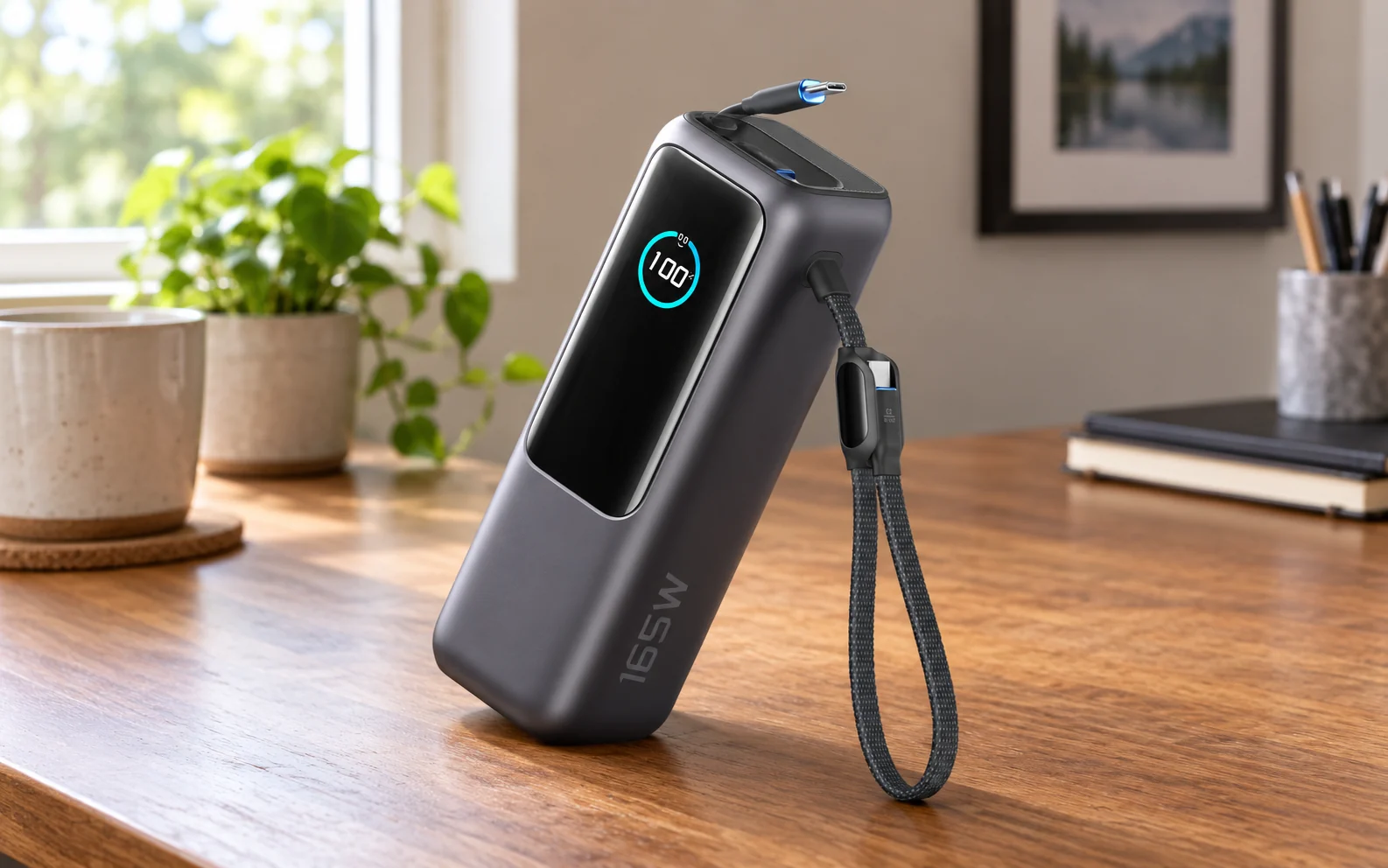
Power banks
Anker Laptop Power Bank (25K, 165W, Built-In and Retractable Cables), A1695